Auto-enhance
Dull light? One click fixes it.
Overcast days, tinted water, a warm cast from the wrong light: the photo is fine, the color isn’t. Auto-enhance measures the picture and corrects it, and it knows when to leave a sunset alone.
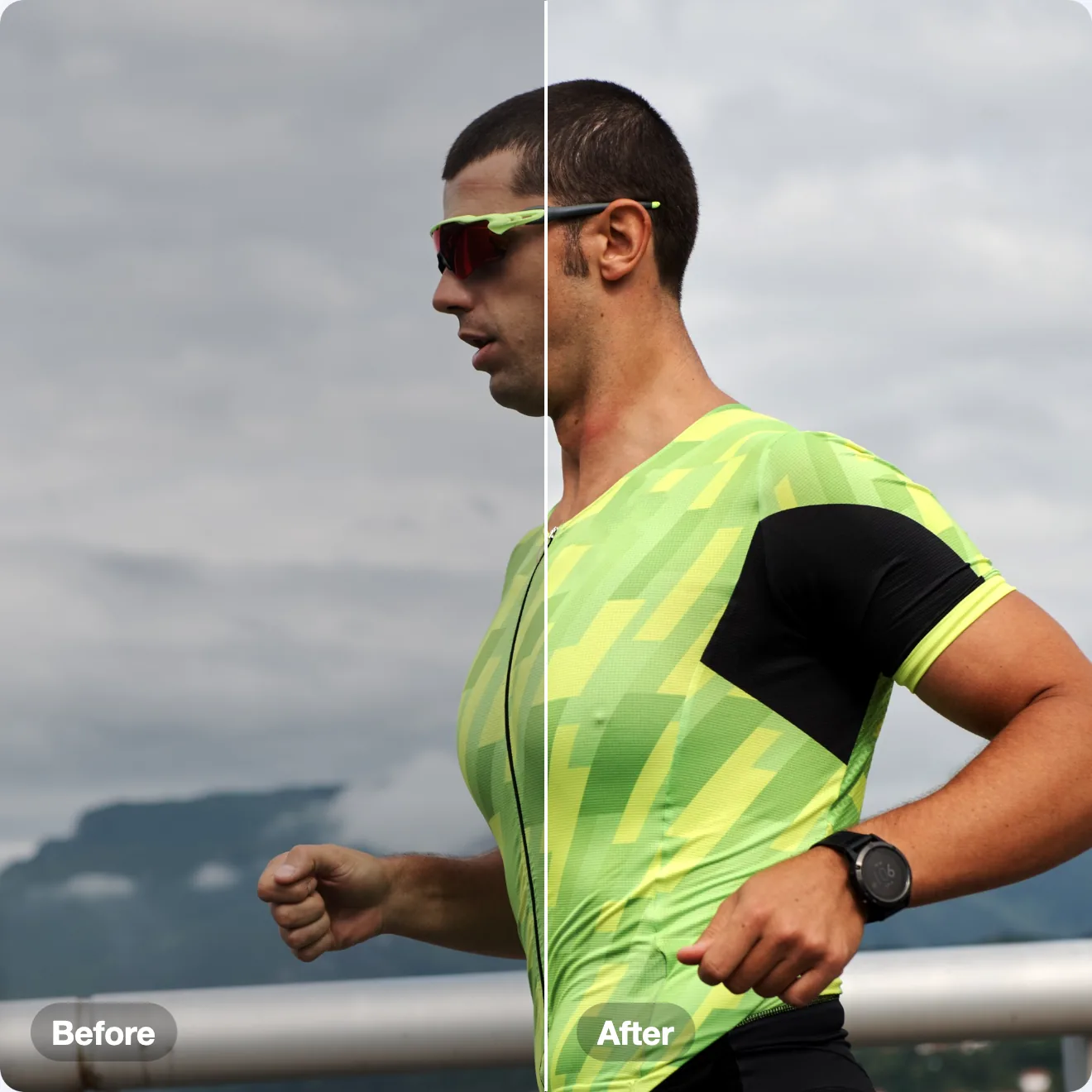
Before and after
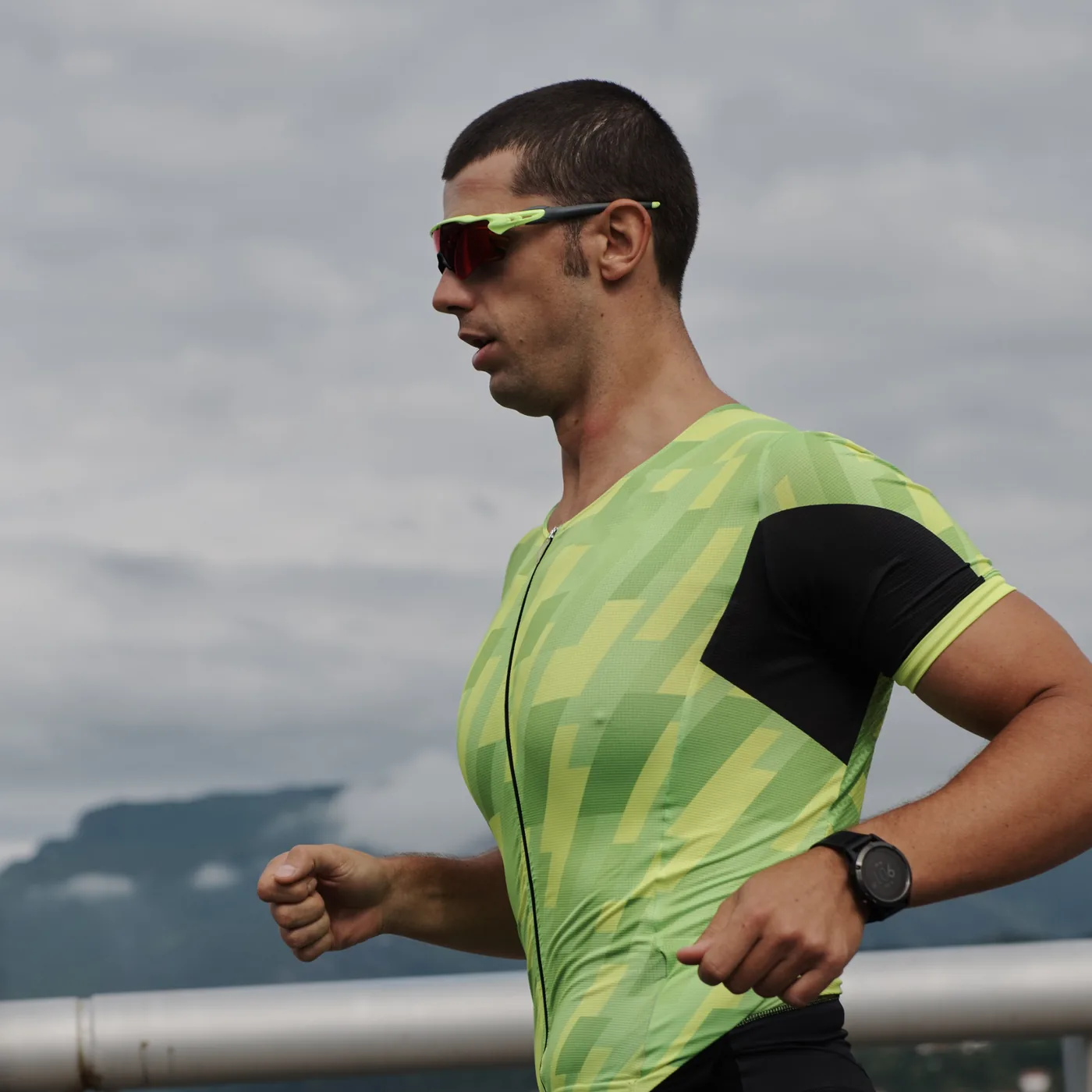
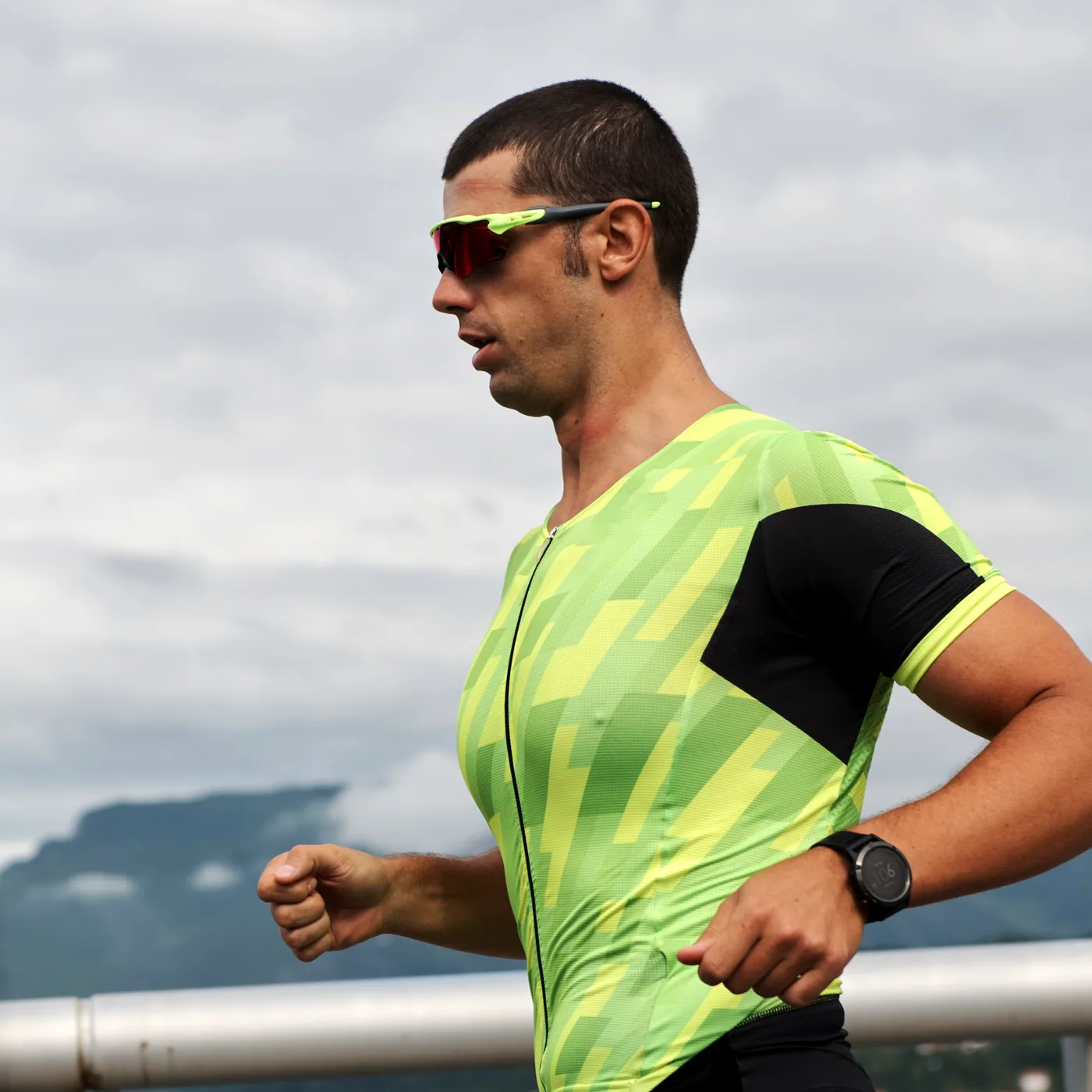
Every “after” on this page is SnapStudio’s own output, not retouched.
What it corrects
- Color casts. It reads the cast from the parts of the scene that should be neutral grey, and removes most of it.
- Flat contrast. Black and white points are set on brightness alone, so colors don’t shift.
- Muted color. Saturation goes up only when the photo is washed out.
- Red eye, when there are faces.
What it leaves alone
A sunset or golden-hour scene, where even the least colorful pixels are strongly colored. Correcting that would drain the picture, so the balance step stands down. Snow and white product shots stay light.
Getting there
Image → Auto-Enhance… (⌘⌥E) analyses the photo as the sheet opens. Click Apply Enhancement.
With an AI agent
Auto-enhance the race photo in this document and export it as JPEG.
auto_enhanceexport_image are among the 87 MCP tools built into SnapStudio.
More features
One-time · key arrives by email · macOS 14+ · Apple Silicon