Native macOS · One-time purchase · On-device

Your AI agent just got a design studio.

SnapStudio turns screenshots into App-Store-ready sets, social posts and launch assets — driven by you, or by Claude over MCP. Everything on your Mac. Nothing uploaded. Nothing rented.

Download free trialMac App Store

14-day full trial · macOS 14+ · Apple Silicon · $39.99 once

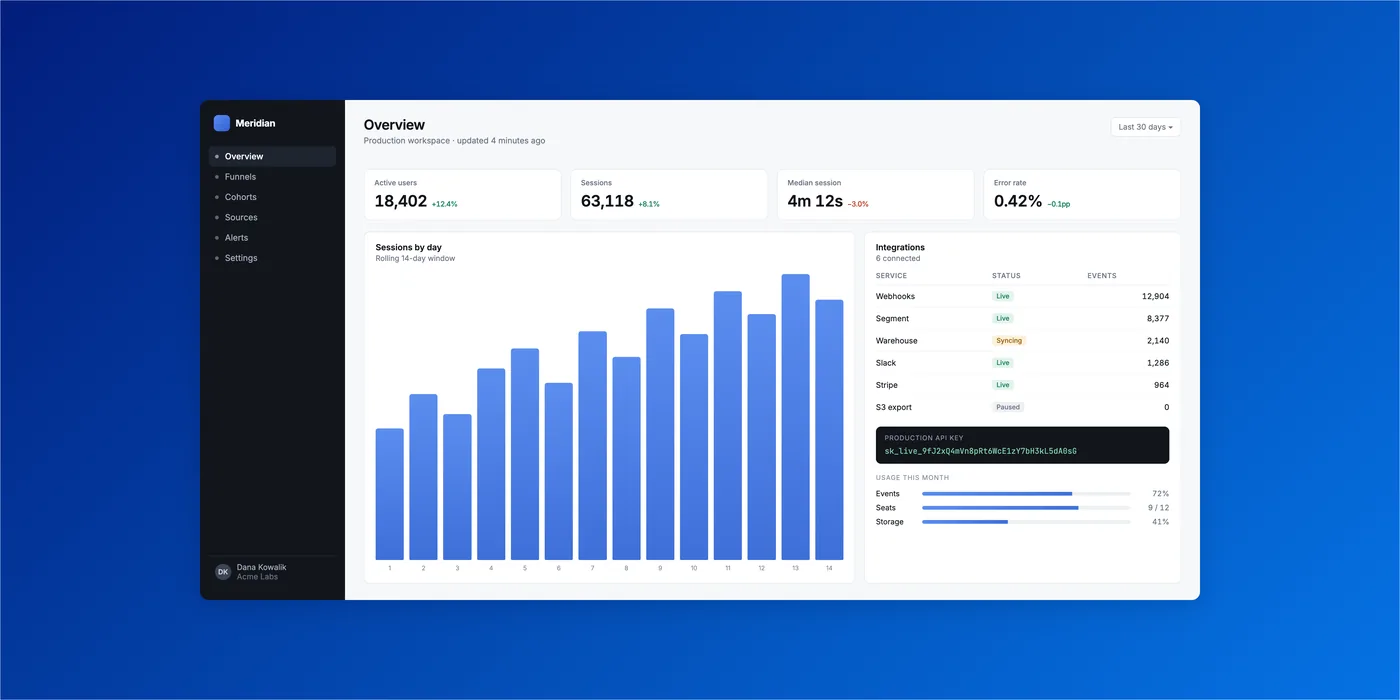
SnapStudio's Metal-accelerated layered editor on macOS
0MCP tools
0Templates
0Palettes
0Combinations
0Subscriptions

The moat

One prompt in. Finished assets out.

SnapStudio ships an embedded MCP server with 79 tools. Your agent frames screenshots in device mockups, fills templates, repaints them to your brand palette, cuts social video and exports every App Store size — while you do something better. No other Mac editor can do this. Not Pixelmator. Not Affinity. Not Canva.

Setup is one line:

claude mcp add snapstudio -- "/Applications/SnapStudio.app/Contents/MacOS/snapstudio-mcp"

No agent? No problem.

Screenshot in. Shippable out.

01

Drop anything.

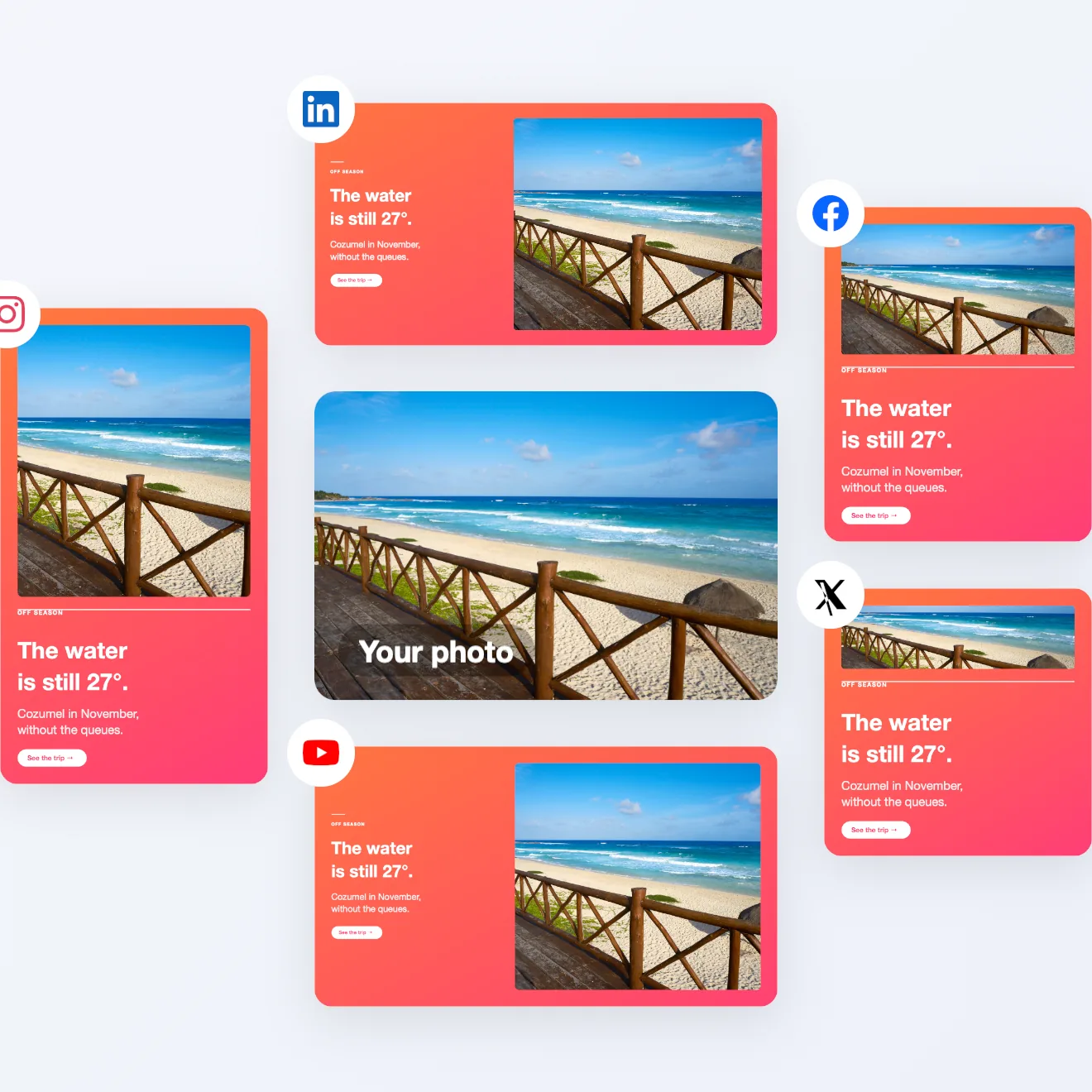
A raw screenshot, an iPhone photo, a whole folder. 119 designed templates — Instagram, Stories, YouTube, LinkedIn, banners, App Store shots — every one repaintable with 41 palettes or your own brand kit.

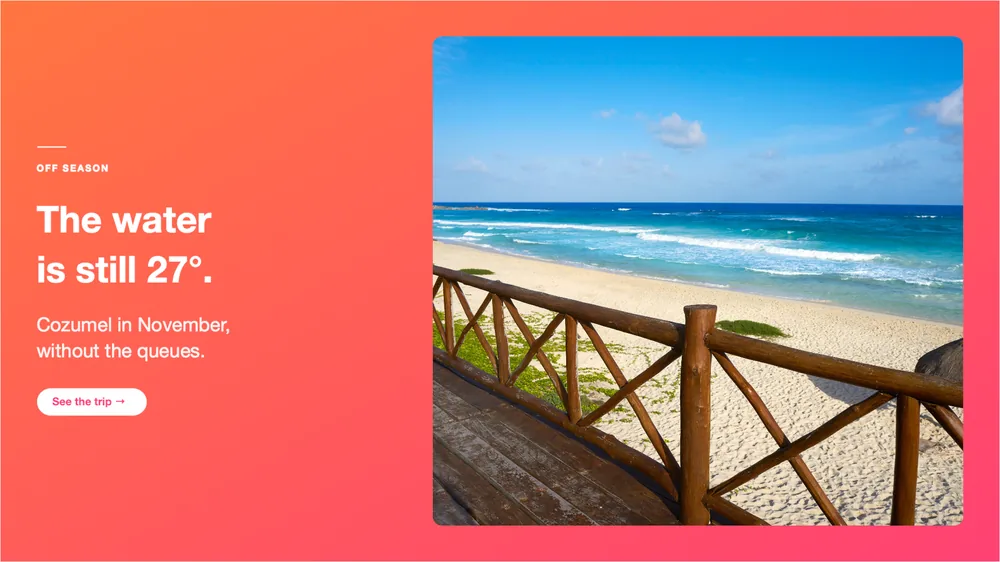
SnapStudio template gallery with live previews
02

Make it gorgeous.

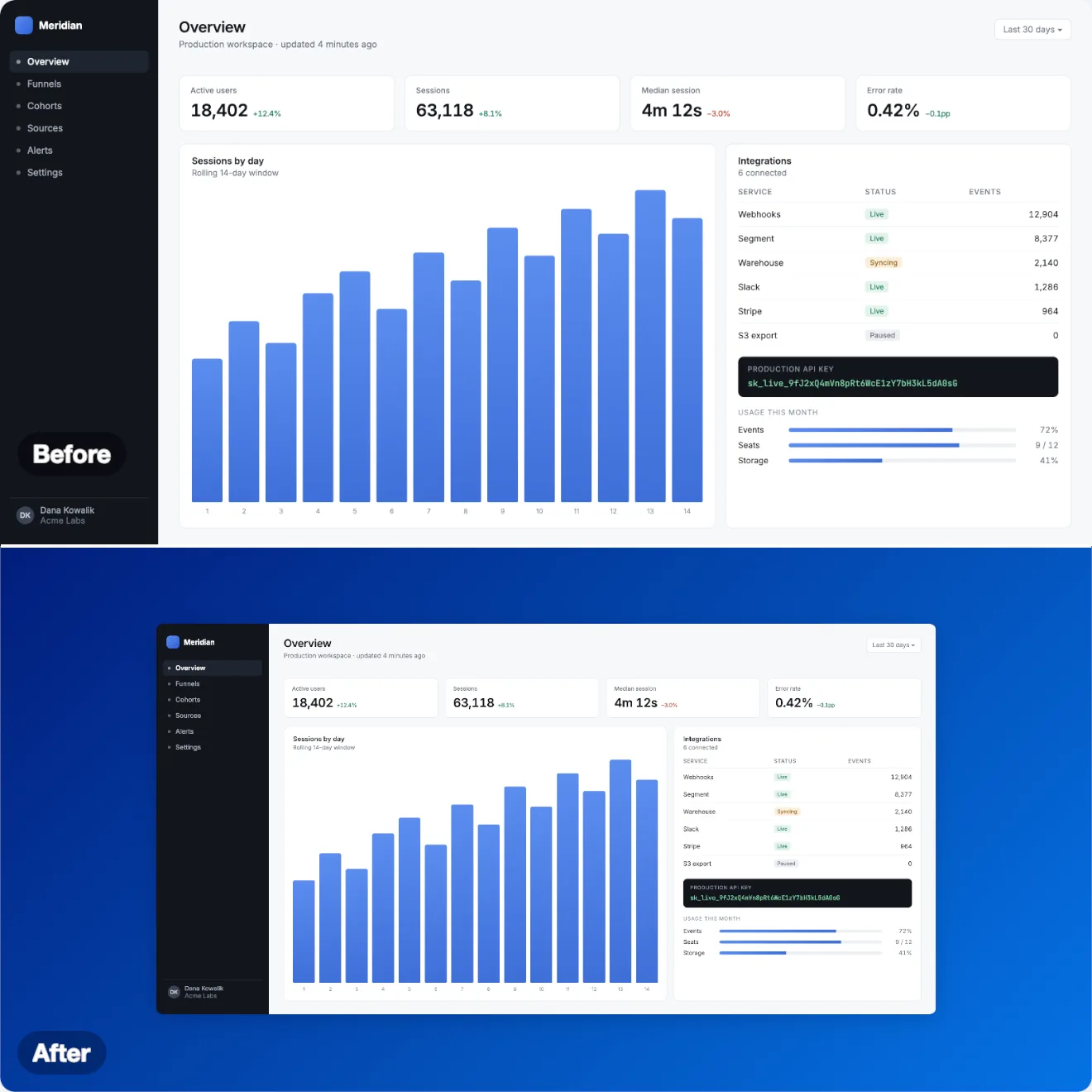
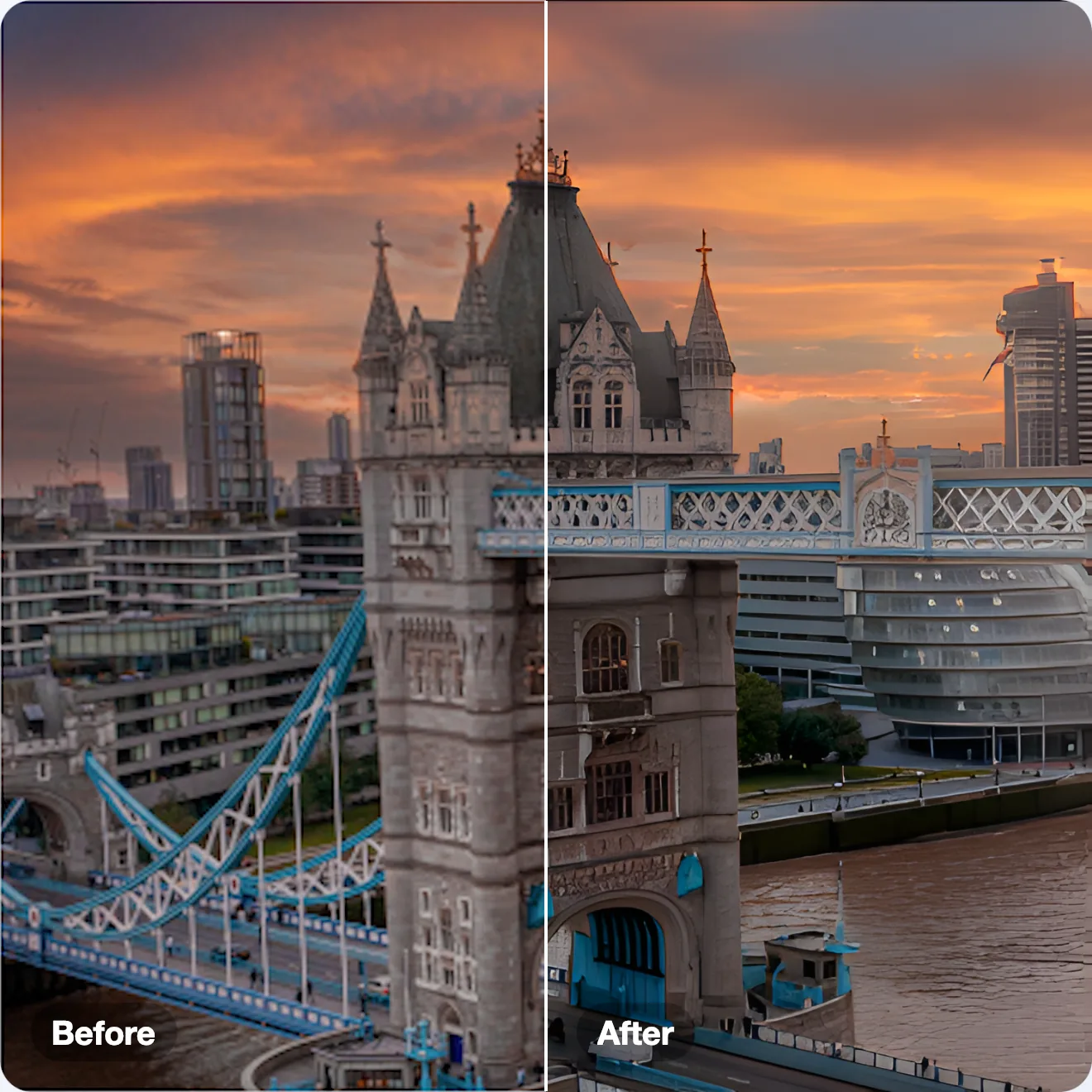
22 beautify styles — mesh gradients, padding, shadow — then frame it in real hardware: iPhone 17 Pro, iPad Pro, MacBook, Apple Watch. Content clips to the glass and slides under the Dynamic Island, like the real thing. Need more? 2×/4× AI upscale runs entirely on your Mac.

On-device AI upscale in SnapStudio
03

Ship every size at once.

One click exports the entire App Store set — iPhone 6.7″ and 6.9″, iPad 13″, Mac — plus icons, favicons and social sizes. Ten formats, accurate color, and a target file size that auto-tunes quality to platform limits. Batch does hundreds while you make coffee.

Multi-platform export presets in SnapStudio

Not a toy

A real editor underneath.

When the template isn't enough, go as deep as you want — on a Metal canvas that stays smooth at 50 megapixels.

SnapStudio layers, history, histogram and adjustment panels
Layers & masksPer-channel curves8-band HSL14 blend modes25 filtersClone & heal

Private by architecture

Your images never leave your Mac.

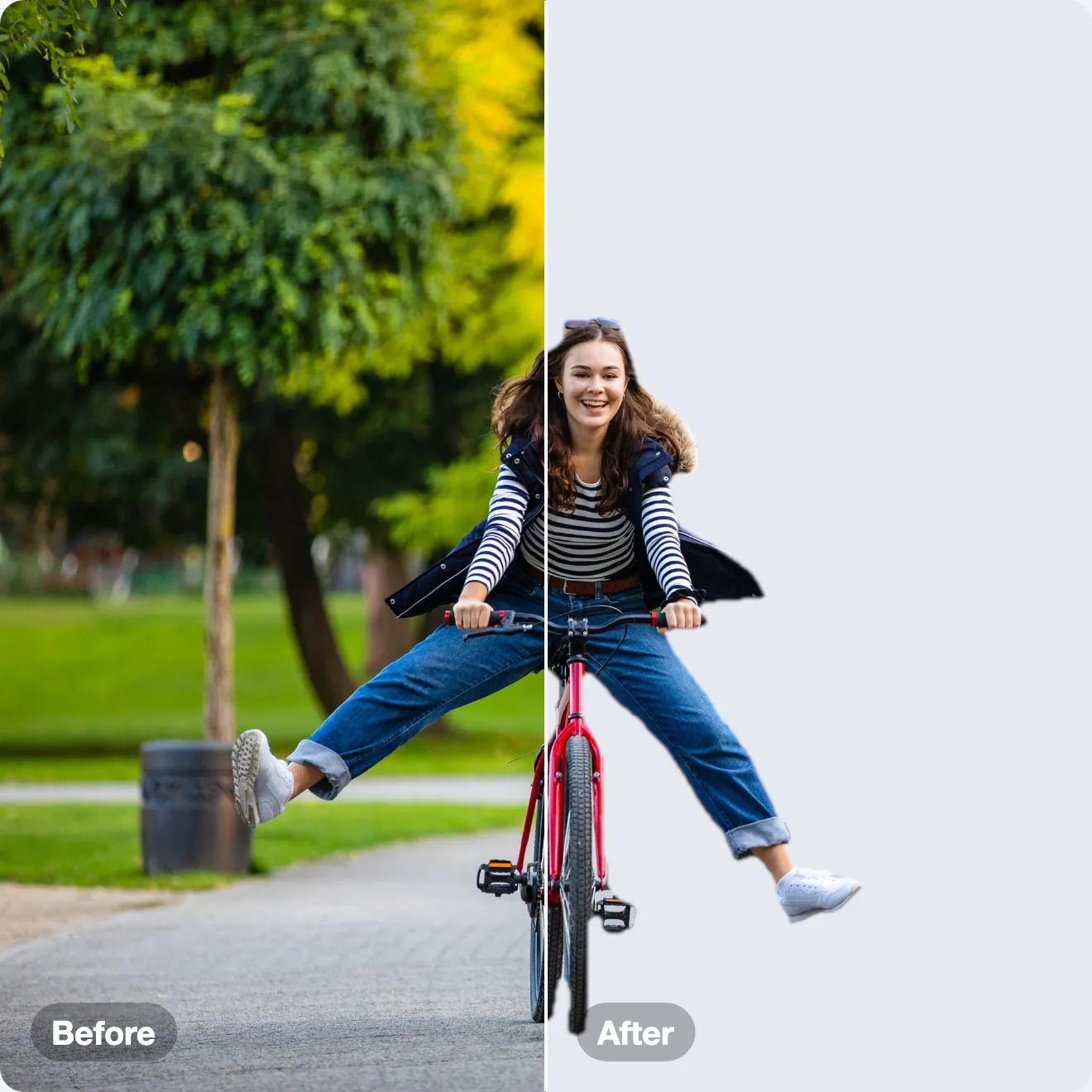
Upscaling, background removal and auto-enhance run on-device — Core ML and Apple Vision, not someone's server. Optional cloud AI (DALL·E 3, Claude) works only with your own keys, stored in the macOS Keychain. No account. No telemetry. Sandboxed.

The field

Everyone owns a slice. SnapStudio owns the pipeline.

Xnapper
$15
Beautify only — no editor, no mockups, no export sets.
CleanShot X
$29+
Capture and annotate. The marketing pipeline isn't there.
Web screenshot tools
$10–20/mo
The same job, rented forever — and your screenshots get uploaded.
Pixelmator Pro
$49.99
A beautiful deep editor. No marketing pipeline, no agent access.
Affinity
Free
A generalist — AI sits behind Canva Pro, and there's no MCP.
SnapStudio
$39.99 once
Beautify → mockup → templates → batch → video → App Store set. Yours, and your agent's.

The web tools charge $120–240 a year for the exact job SnapStudio does for $39.99 once — it pays for itself in under four months. And none of them answer to your agent.

Own it

$39.99
once.
No subscriptionNo accountNo telemetryNo uploads
Download free trialMac App Store

14-day full-featured trial, license key activates up to 3 Macs

Questions

The short answers.

Is it a subscription?

No. $39.99, once. No account, no recurring fees, no telemetry. Updates on the direct build arrive via Sparkle.

Are my images uploaded anywhere?

Never. Editing, AI upscale and background removal run entirely on your Mac. Optional cloud AI (DALL·E 3, Claude) runs only when you invoke it with your own API key — straight from your Mac to that provider, no middleman.

How does the agent connection work?

SnapStudio embeds an MCP server with 79 tools. Register it once: claude mcp add snapstudio -- "/Applications/SnapStudio.app/Contents/MacOS/snapstudio-mcp" — then Claude (or any MCP client) can create documents, fill and repaint templates, apply mockups, batch-render and export packs.

Mac App Store vs. direct download?

Feature-identical, same price. The direct DMG adds a 14-day full-featured free trial and auto-updates. The App Store version is sandboxed and updated through Apple.

Do the AI features cost extra?

On-device AI — Real-ESRGAN 2×/4× upscale, Vision background removal, auto-enhance — is included, free, and works offline. Cloud generation/analysis is optional, on your own OpenAI or Anthropic key.

System requirements?

macOS 14 Sonoma or later, Apple Silicon. Metal-accelerated throughout. Seven languages: English, Spanish, German, French, Japanese, Chinese (Simplified), Polish.