Social posts
One photo. Every platform.
Every platform wants a different size, and redoing the same post six times is the part nobody has time for. SnapStudio’s layouts come ready in six formats, so one photo and one headline become a square post, a feed post, a story, a thumbnail, a link preview and a banner.
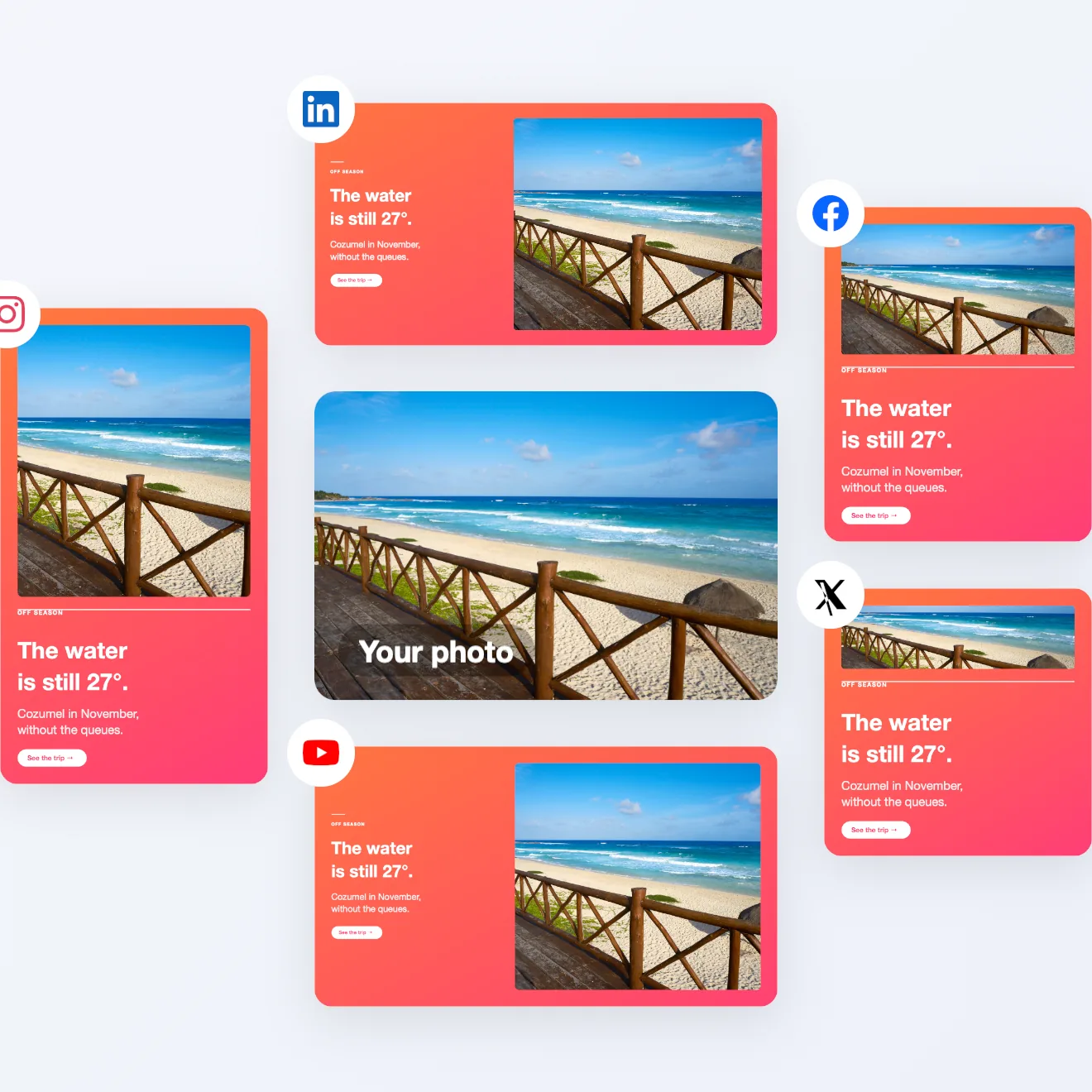
One photo, five posts
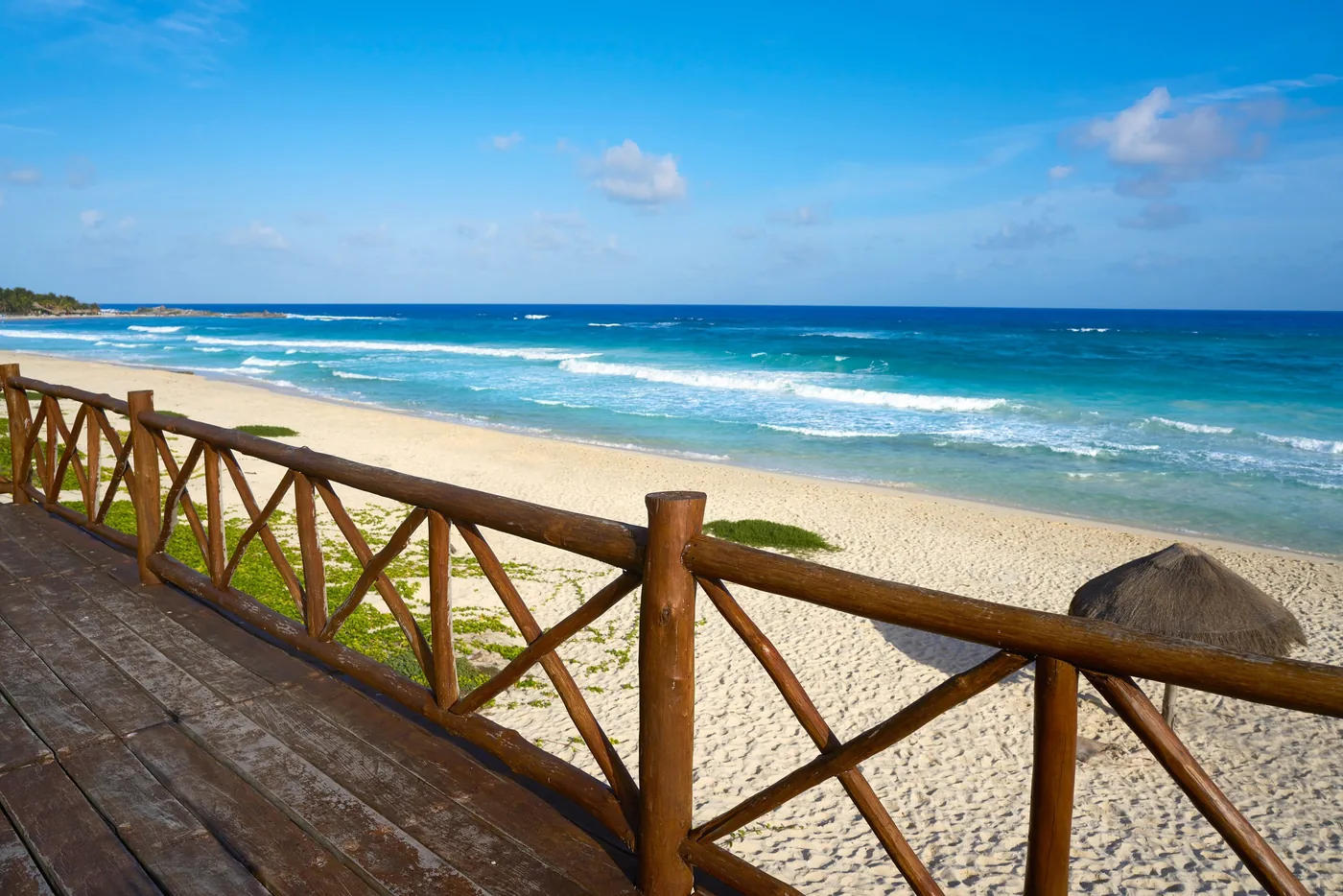
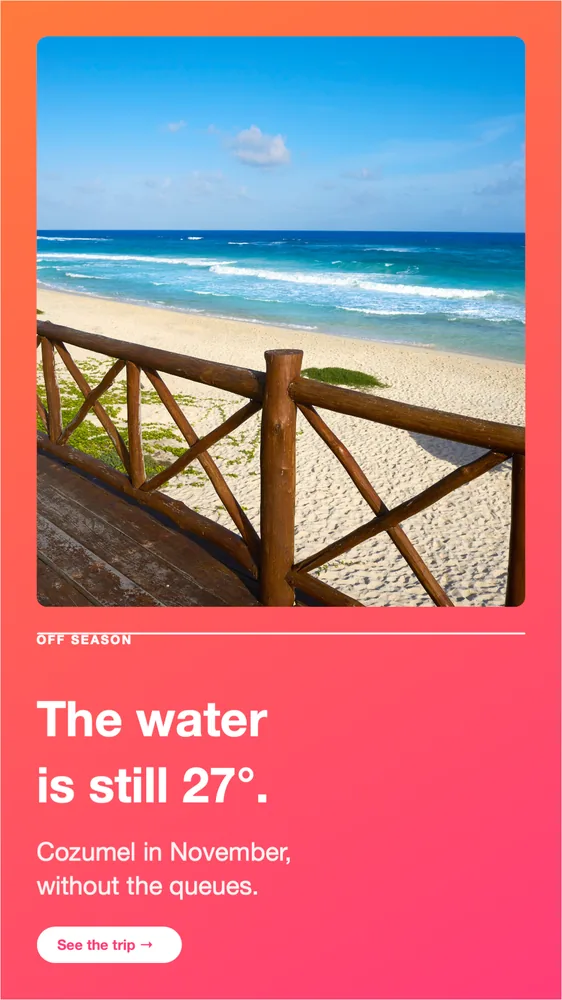
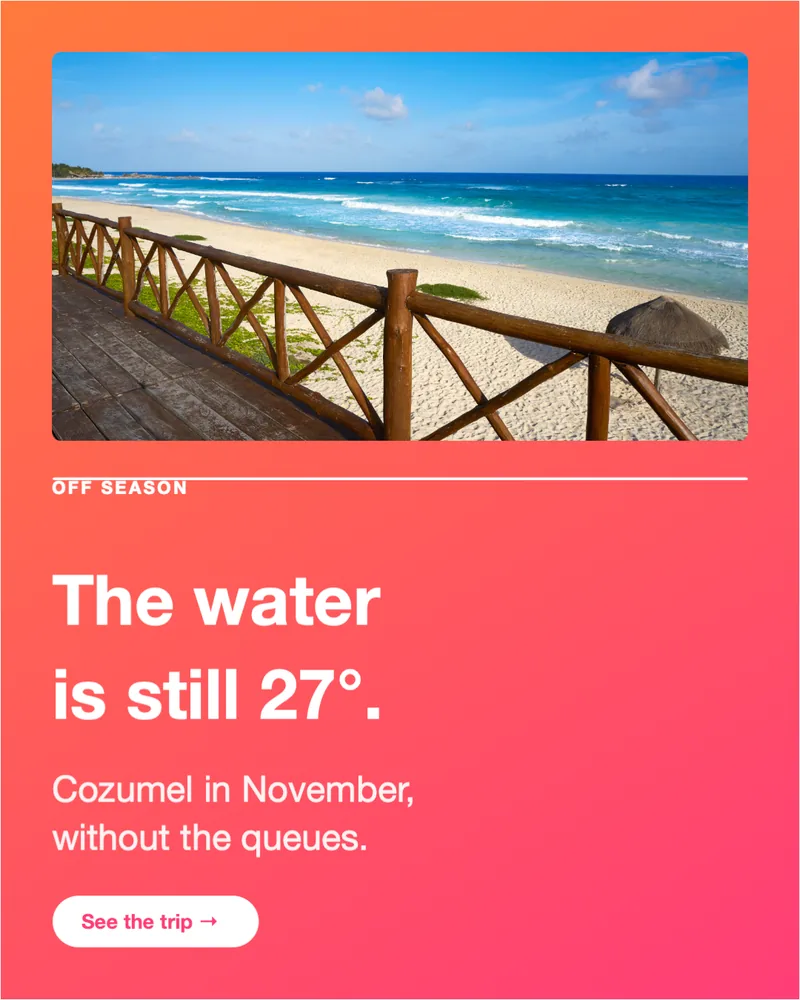
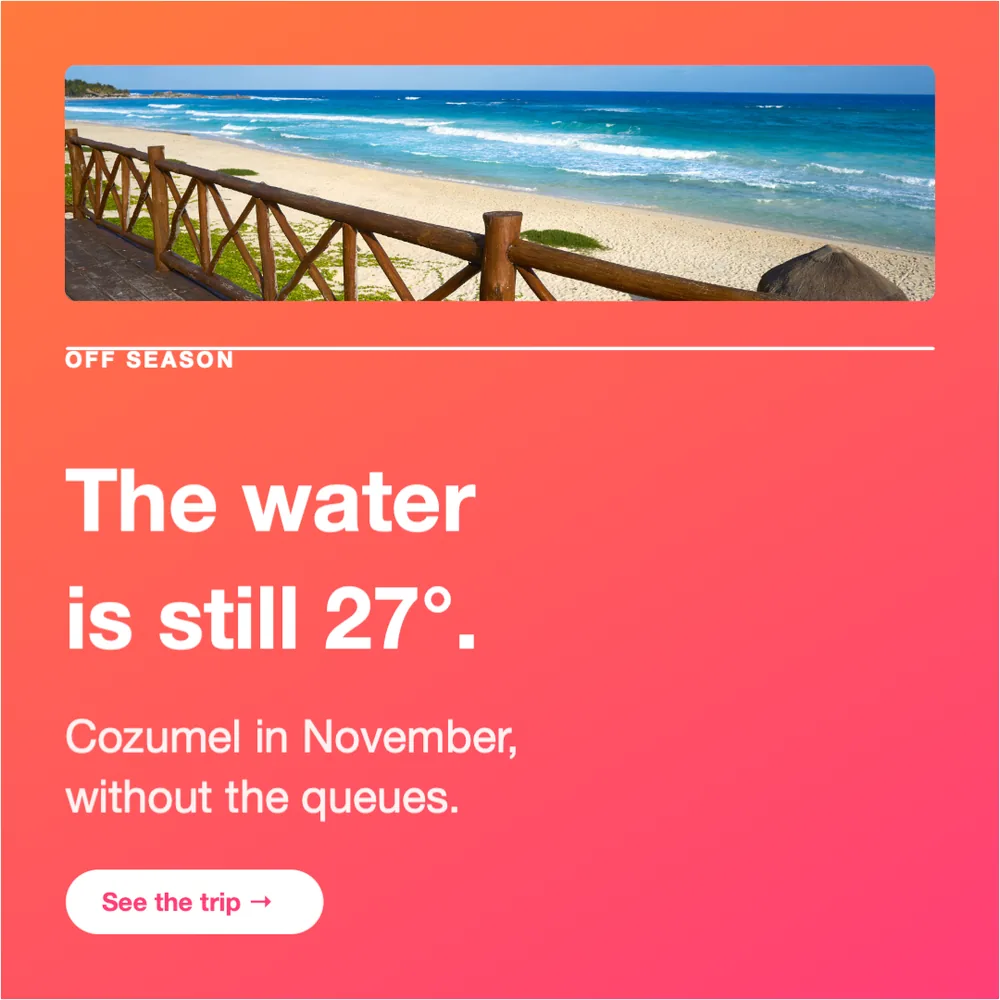
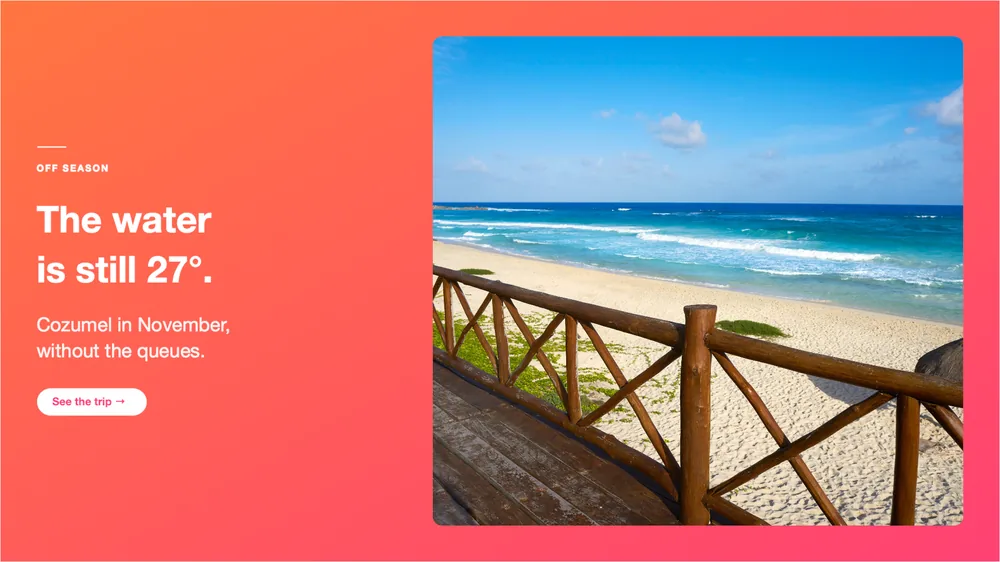
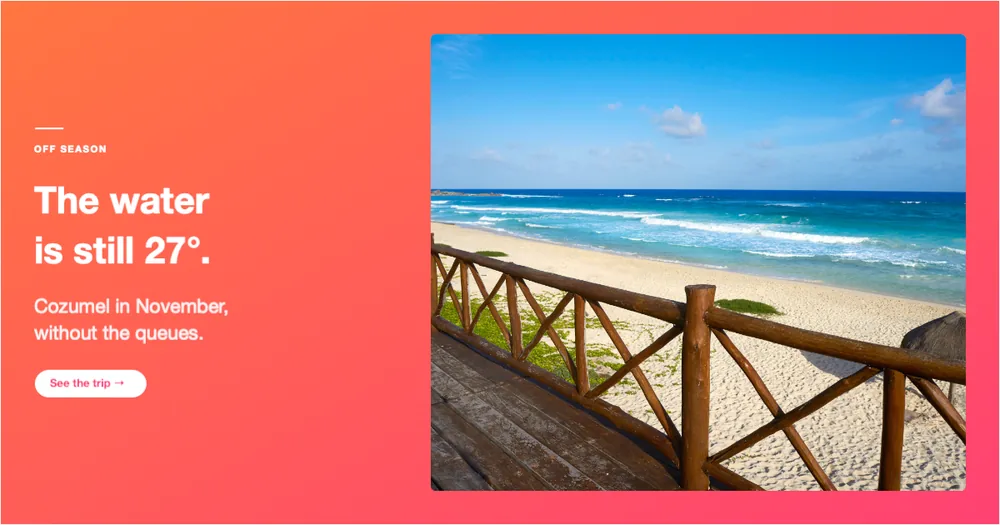
Every “after” on this page is SnapStudio’s own output, not retouched.
Six formats from one layout
- Square 1:1, 1080 × 1080
- Feed 4:5, 1080 × 1350
- Story 9:16, 1080 × 1920
- Landscape 16:9, 1920 × 1080
- Link preview 1.91:1, 1200 × 630
- Banner 4:1, 1584 × 396
309 templates, yours included
The gallery opens with five layout archetypes, each laid out across the six formats: 174 variants. The rest of the 309 built-in templates follow, and templates you save yourself sit alongside them. There is also a before/after family with 576 layouts from one design.
In your colors
Repaint any template with one of 42 palettes, or save your own colors as a brand palette so every post matches.
How it works
- Open the template gallery from the start screen and pick a layout in the size you need.
- Drop in your photo and change the words.
- Pick the same layout in the next size for the next platform.
Or let an agent do all six
With the built-in MCP server, an AI agent can re-lay a design into new sizes in one step, fill a template with a week of posts, apply your brand kit’s colors, fonts and logo, or turn a blog post into a carousel for every platform.
With an AI agent
Make this photo into a post for Instagram, Stories, LinkedIn and a YouTube thumbnail. Headline: The water is still 27°.
fill_templaterelayout_templateapply_brand_kitrender_template_batch are among the 87 MCP tools built into SnapStudio.
One-time · key arrives by email · macOS 14+ · Apple Silicon