Device mockups
iPhone and device mockups, on your Mac.
Drop a screenshot into an iPhone, Mac, iPad, Android phone, browser window or Apple Watch frame. SnapStudio’s device mockup generator sets the screen at the device’s native resolution, never stretches your capture, and runs entirely on your Mac.
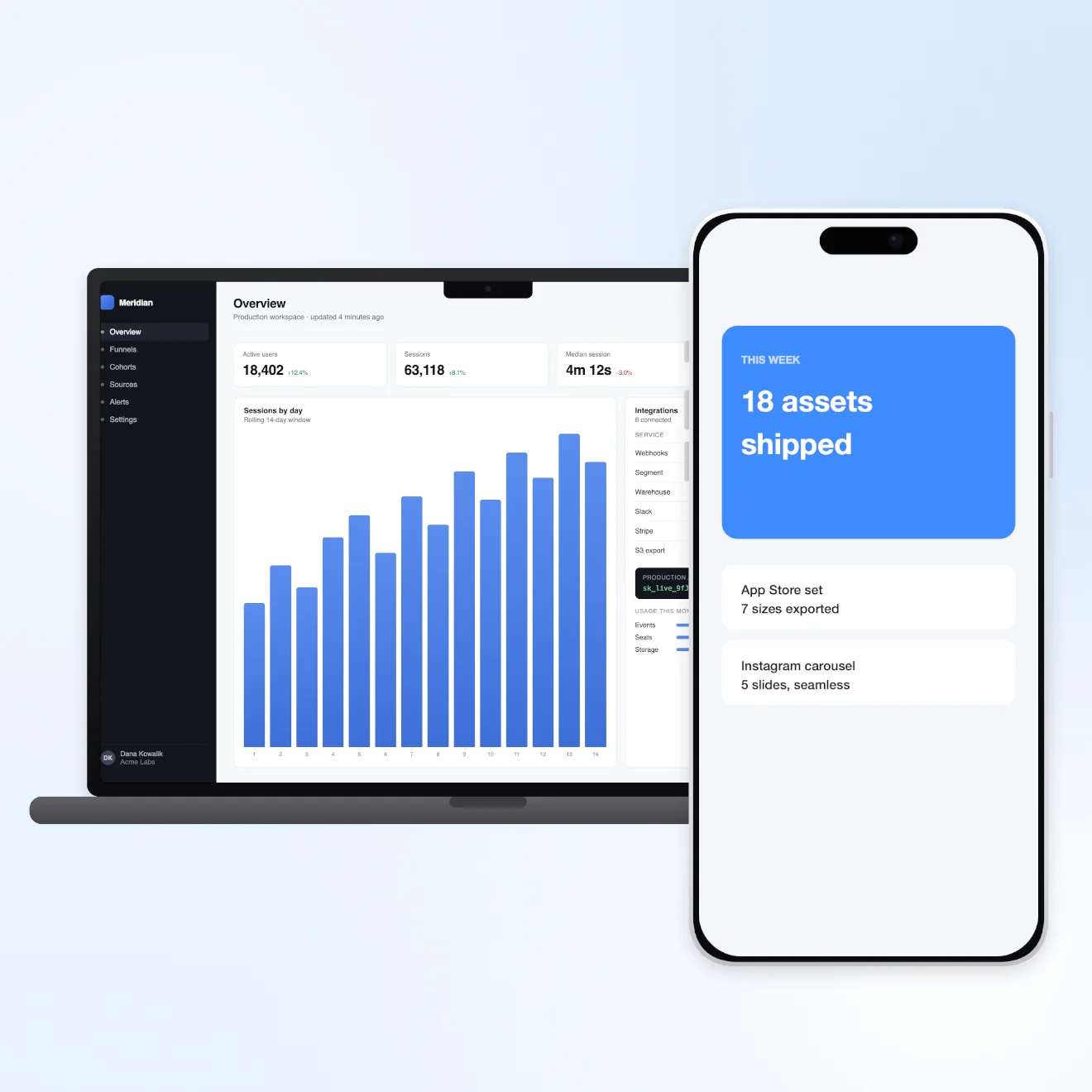
Before and after
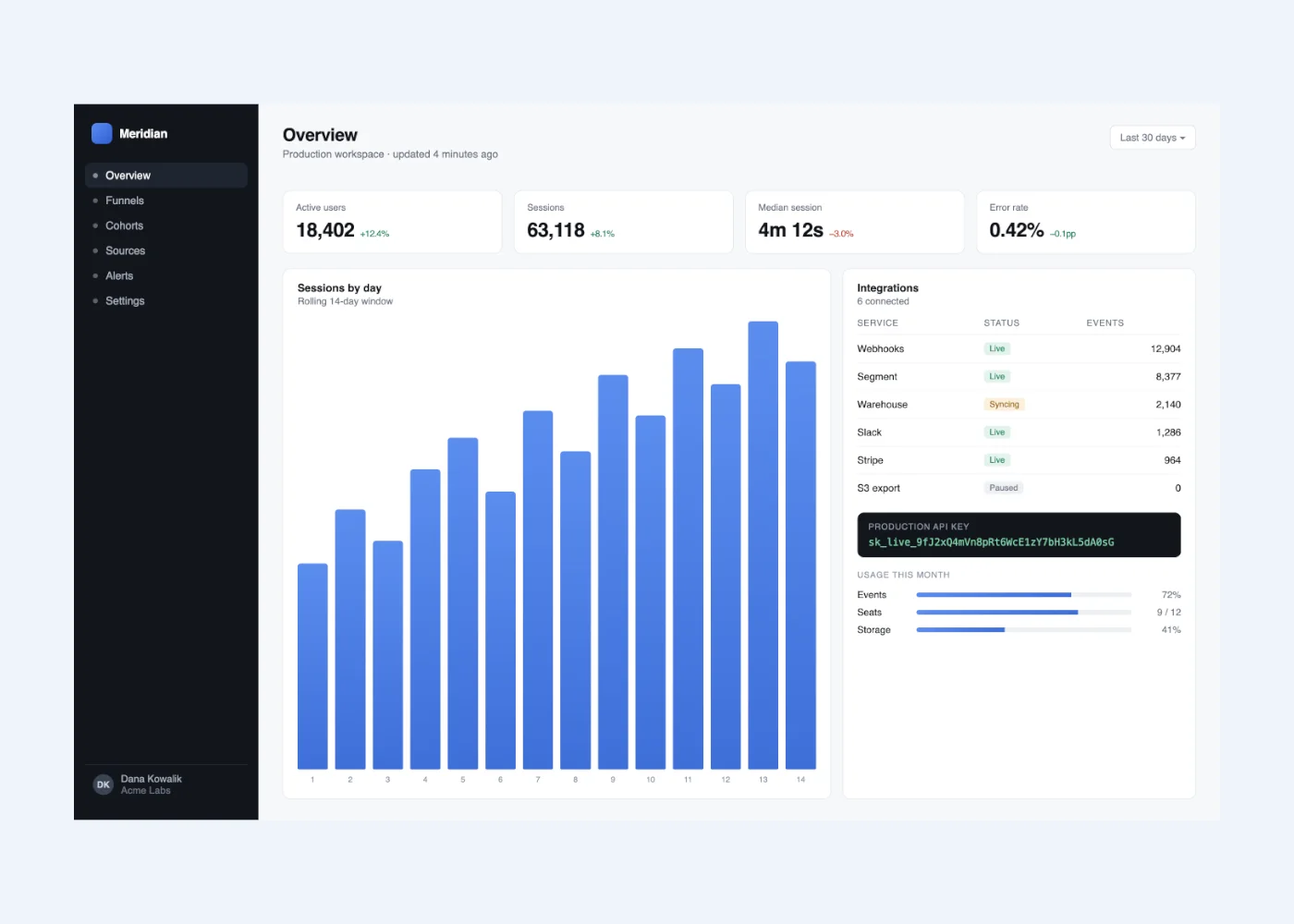
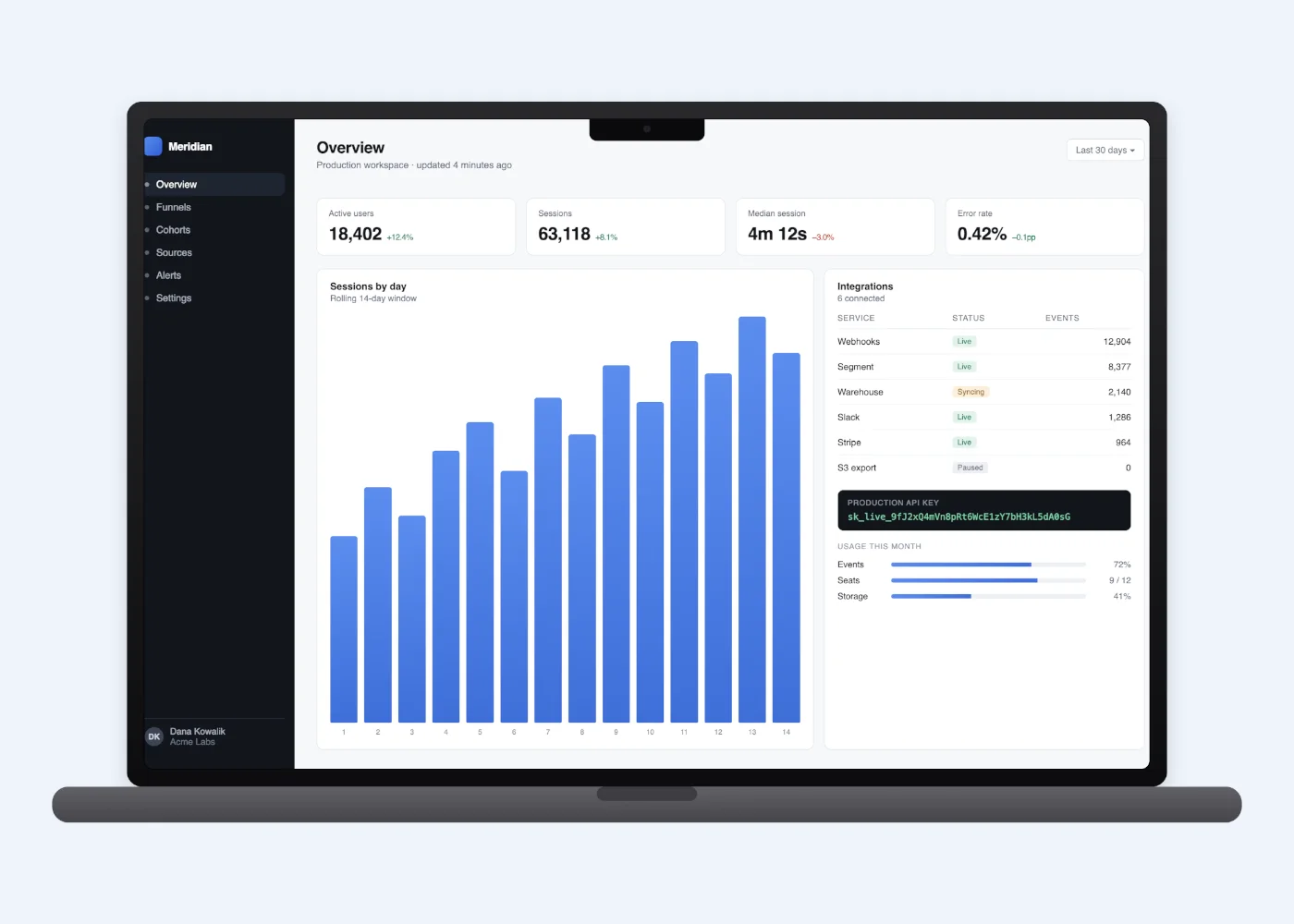


Every “after” on this page is SnapStudio’s own output, not retouched.
The frames
- iPhone 17 Pro and iPhone 17
- MacBook Pro 16″, MacBook Air 13″ and iMac 24″
- iPad Pro 13″
- Pixel 9 Pro, in two finishes
- Browser window, light or dark
- Apple Watch Ultra
Sized like the real screens
Each frame’s screen is set to that device’s own resolution: 1320×2868 on iPhone 17 Pro, 1206×2622 on iPhone 17, 2064×2752 on iPad Pro 13″ and 3456×2234 on MacBook Pro 16″. A screenshot taken at that size drops in pixel for pixel.
Hardware details such as the Dynamic Island and the MacBook notch sit on top of your screen, as they do on the real device, so keep anything important clear of them.
Fill or Fit, never stretched
If your capture has a different shape from the device’s screen, Fill covers the screen and crops the overflow evenly from the edges. Fit shows the whole capture with bars around it. Neither one distorts the image.
How to use it
- On the start screen, click Device Mockup and pick an image. If you’re already editing, choose Image → Device Mockup….
- Filter by device type if you like, and choose Fill or Fit.
- Click a frame. The canvas resizes to fit the device, and the frame goes on its own layer behind your screenshot.
- Export it, or carry on editing the document.
When another tool fits better
SnapStudio’s frames are straight-on still images. If you need a tilted 3D scene or a video playing inside a phone, a dedicated mockup tool will serve you better, and for a single one-off image a free web generator may be all you need. SnapStudio makes sense when mockups are one step in a set you produce repeatedly.
With an AI agent
Frame this screenshot in an iPhone 17 Pro and a Pixel 9 Pro, then export both as PNG.
list_mockupsapply_mockupexport_image are among the 90 MCP tools built into SnapStudio.
More features
One-time · key arrives by email · macOS 14+ · Apple Silicon